
Weld Visual
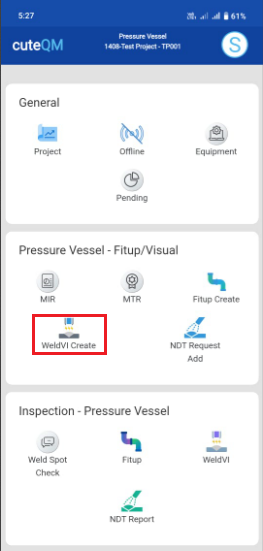
WeldVI Create
The WeldVI create tab helps you to create weld visual request in mobile and sync the details to the web application.
To create Weld visual request,do the following steps
- Click weldvi createmenu
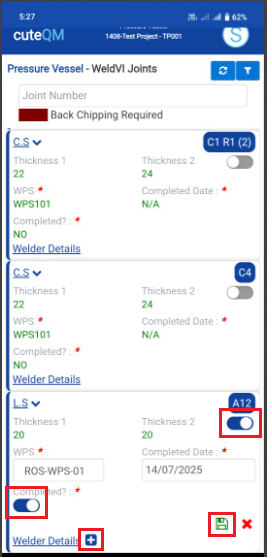
- Selectthe joint
- Enable the toggle button as Completed
- Click + iconto add welder details
- Click Savebutton
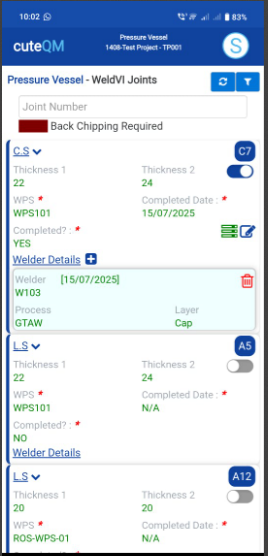
Weldvi request created successfully.
WeldVI Inspection
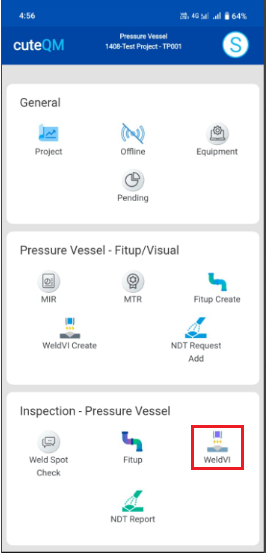
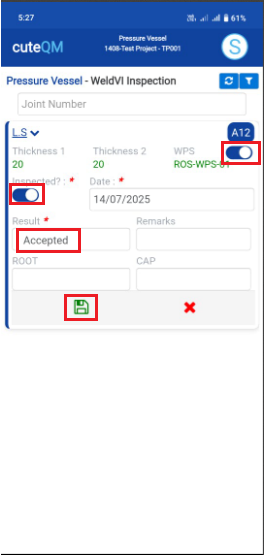
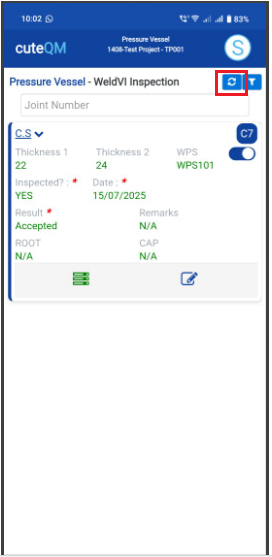
For weld visual inspection,do the following steps.
WeldVI inspection updated successfully.
No Comments