MILL CERTIFICATES
4.0 MILL CERTIFICATES
The MILL CERTIFICATES tab allows you to view the material certificates added in the web application. This feature works only in online mode.

To view the material certificates,
- Tap MILL CERTIFICATES. See Fig 2.3.
The Mill Certificates page opens.
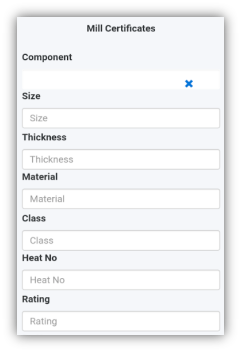
- Tap the Component box and select the component name from a drop-down list.
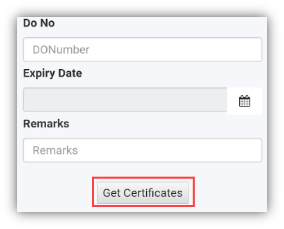
 Note: If you want to view the certificate for a specific component, enter the size, thickness, material name, class, heat number, rating, do number, expiry date or remarks of the component in the respective boxes.
- Tap Get Certificates. A list of material certificates for the selected component is appeared.
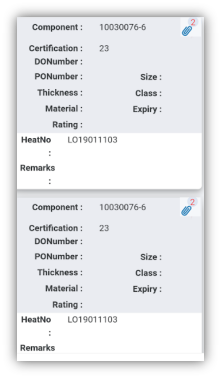
 Tip: If you want to view any attachment added with the material certificate, tap (Attach icon).
 Note: If the number of certificates exceeds 500, you will receive the following notification: “The result records are more than 500, so system can’t load, pls add another filter and search”.