Fitup
Fitup Create
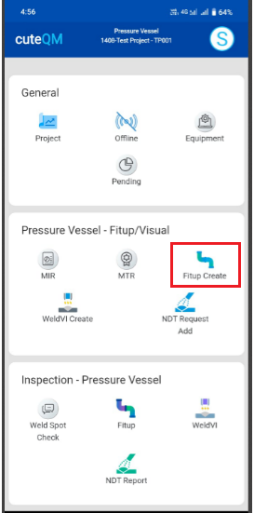
The Fitup Create tab helps you to create Fitup request in mobile and sync the details to the web application.
To create Fitup request,do the following
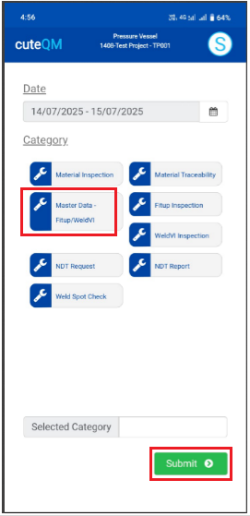
- Take offlinedata for Master Data-FITUP/WeldVI.
- Click Fitup Create menu
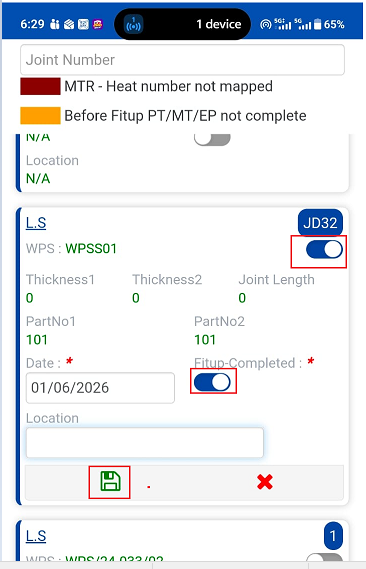
- Here joints listed to create the Fitup
- Select the joints
- Enable Fitup completed toggle button
- Click Save
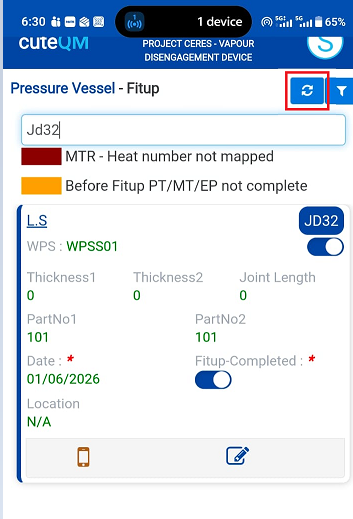
Fitup request created successfully.
Fitup Inspection
For fitup inspection,do the following steps
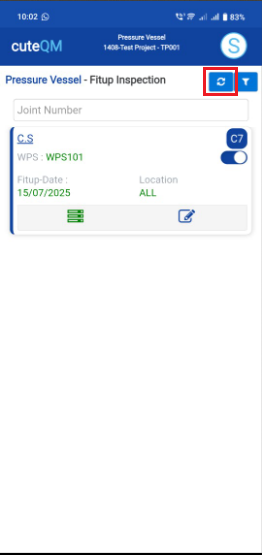
- Take offline data for Fitup Inspection.
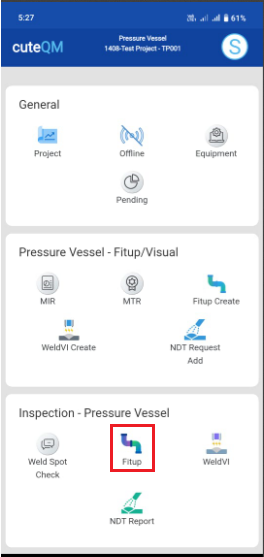
- Click Fitup menu in inspection
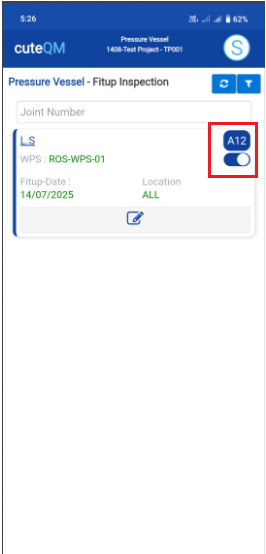
- Here fitup inspection created joints listed
- Select the joint
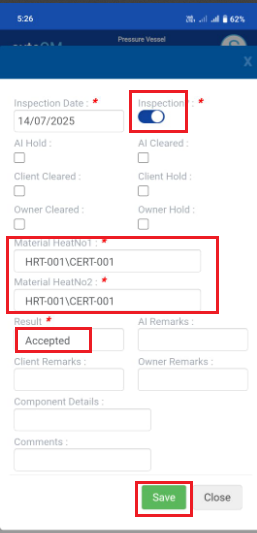
- Enable inspection toggle button
- Select heat number 1and heat number 2 and Result
- Click Save button placed at the bottom
Fitup inspection updated successfully.