Login
🧾 cuteFM Login Page
📍 Website
URL: https://cutefmng.megaappz.com
🔐 Purpose of the Login Page
The login page is the secure gateway to access your organization’s Facility Management modules. Only authorized users with valid credentials can log in.
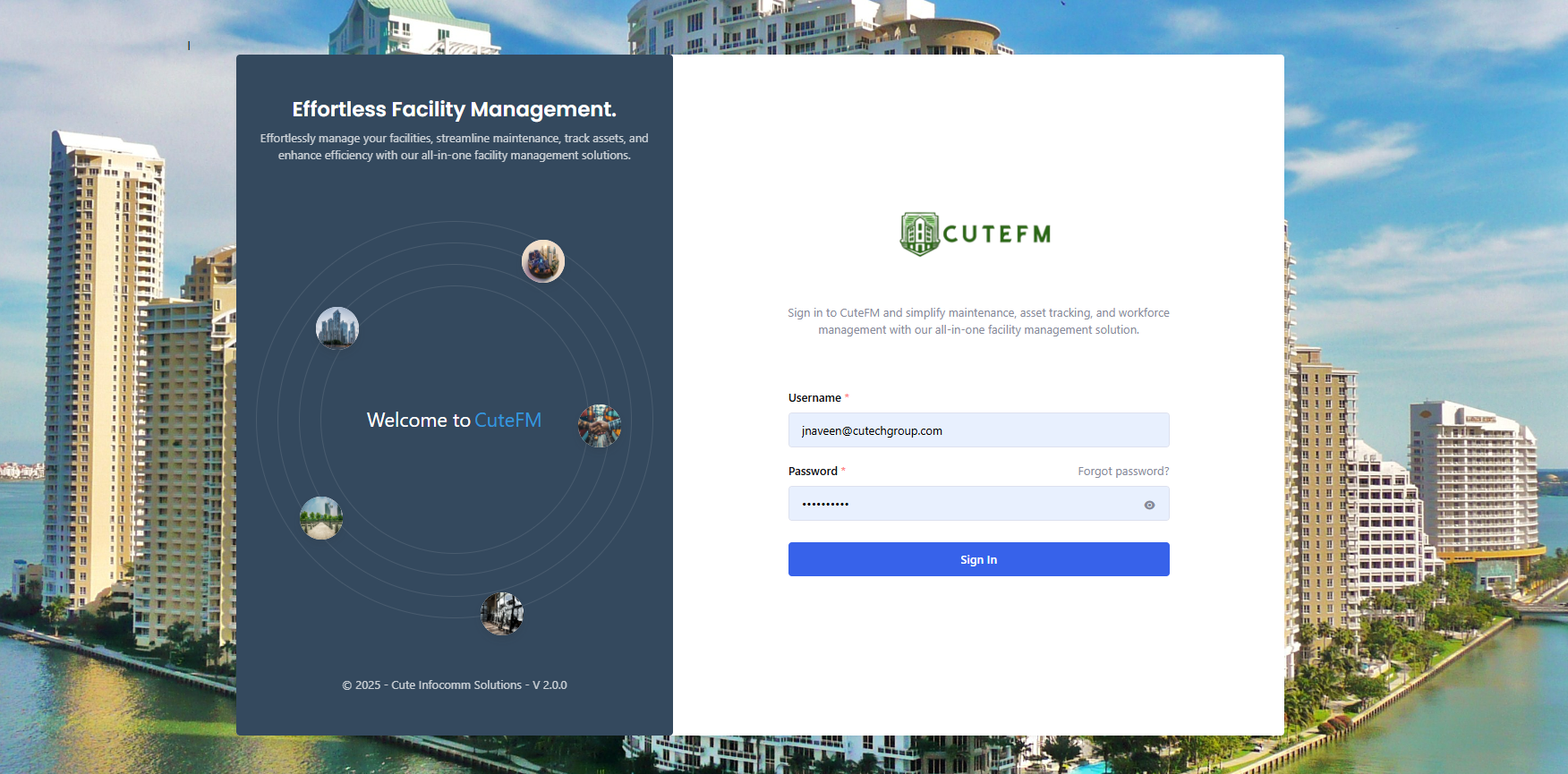
👣 Steps to Log In
-
Open the Website:
-
Visit https://cutefmng.megaappz.com on your browser.
-
-
Enter Your Credentials:
-
Username / Email: Enter your registered username or email ID.
-
Password: Enter your secure password.
-
-
Click ‘Login’:
-
Hit the Login button to proceed
-
🆘 Forgot Password?
-
Click on the “Forgot Password?” link.
-
Enter your email address.
-
You will receive a OTP in your email which you can enter to reset your password.
-
Follow the instructions to reset your password.
✅ Login Success
-
Upon successful login, you will be redirected to your Dashboard.
-
From here, you can access modules like Defects, Maintenance, and more based on your role and the modules the company has purchased.
❌ Login Errors
-
Invalid Username/Password: Double-check credentials.
-
Account Locked: Too many failed attempts? Contact your system administrator.
🔐 Security Notes
-
Your credentials are encrypted and transmitted over HTTPS.
-
Ensure you're using a secure network.
-
Do not share your password with anyone.
-
Always log out after use, especially on shared devices.
📞 Need Help?
If you're having trouble logging in, contact your administrator or email us at support@cuteinfocomm.com.